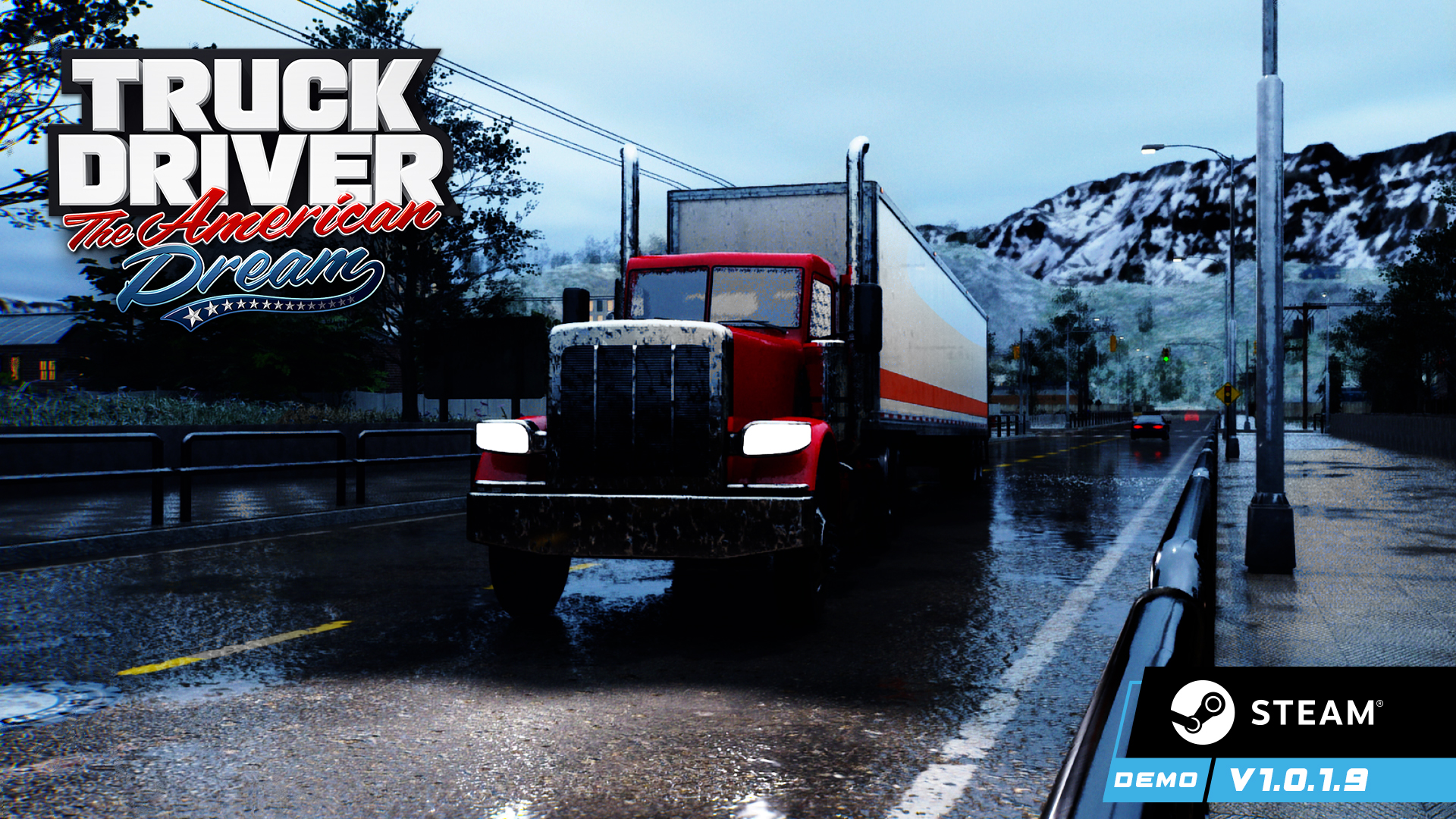
The Steam demo for Truck Driver: The American Dream has received a major update, bringing it up to date with the improvements and additions introduced to the PC version over the past several months. Players can now experience updated truck handling, improved traffic AI, Photo Mode, DLSS 4.5, the new “More Realistic” engine sound profile, enhanced weather and visuals, performance optimizations, additional language support, and over 100 bug fixes and quality-of-life improvements.
Updates and Improvements
- Added a Voices section to the Audio Options, allowing players to adjust the volume of character voice-overs independently.
- Updated truck physics and handling. Trucks are now slightly more stable and accelerate more gradually from a standstill.
- Major update to Hardware Ray Tracing performance. On the same NVIDIA hardware with hardware RT support, performance gains of approximately 15–20 FPS can be seen in city areas, where RT has the highest performance impact.
- AI traffic vehicles now accelerate more quickly after stopping at traffic lights and intersections.
- Improved garage lighting to make cabin addons and interior details easier to see.
- Updated the post-processing profile for slightly improved visuals during sunny daytime conditions.
- Rambir's red car now features updated physics and an updated speedometer.
- Updated support for the Dutch language.
- Added new side mirrors for the Traditional Indian Truck.
- Updated textures for the Indian Semi Bangalore truck.
- Trucks can now be selected using the left and right arrow keys. (Keyboard & Mouse only)
- Prices now display two decimal places for improved clarity.
- Rearranged the garage layout to accommodate the Bangalore truck.
- Added controller button rebinding. We are currently working on keyboard rebinding for a future update. Please note that rebinding is only supported during gameplay and does not apply to menus. Additionally, due to the game's current structure, tutorials will continue to display the default button prompts. This feature is exclusive to the PC version.
- Added Russian language support.
- Increased the frequency of the in-game tip explaining that using your horn or quickly flashing your headlights can encourage traffic vehicles to move faster in most situations.
- Added a new traffic behavior where AI vehicles may accelerate when you line up behind them. This feature is random, meaning some vehicles will increase their speed while others may not.
- Updated the fast-flowing river and rapids materials with additional detail and improved reflections.
- Updated truck handling and driving behavior, including steering, hill climbing (with and without trailers), acceleration, and more. We continue to fine-tune the trucks to maintain an arcade-style driving experience while still making players feel like they are driving an actual heavy vehicle.
- Added over 300 artificial light sources (various types of lamps and lights) throughout the game world.
- Improved draw distance when using the Epic graphics preset. This applies both to landscape mountains and smaller assets such as benches, poles, chairs, and more.
- Improved night sky rendering, significantly reducing the blurriness present in previous versions.
- Spline-based assets now rely more on the GPU and less on the CPU, resulting in improved performance on lower-end CPUs.
- All vehicles will now slow down when you overtake them. In previous versions, there were cases where the vehicle being overtaken would actually accelerate instead.
- Further improvements to how AI traffic behaves at intersections. We are continuing to fine-tune this system.
- Audio updates: The in-cabin truck audio profile has been reworked to better simulate how sounds are heard from inside a real truck cabin. Plus, while the source engine sounds remain the same, they have been retuned with updated pitch, low-pass filtering, volume, and frequency adjustments to deliver a deeper and more powerful engine sound.
- The default volume for both Engine and Voice Over audio is now set to 50. We recommend trying the game with the default audio settings before making adjustments.
- Further updates to truck handling and driving behavior, including steering, hill climbing (with and without trailers), acceleration, and more.
- Added over 150 artificial light sources (various types of lamps and lights) throughout the game world.
- Improved draw distance when using the High and Epic graphics presets. This applies to both distant landscape mountains and smaller environmental assets such as benches, poles, chairs, and more.
- Added Thai and Turkish language support.
- AI traffic will now always use headlights during the evening, as well as during rain, snow, and fog.
- Construction cranes are now animated only during daytime working hours.
- Updated AI traffic behavior at traffic lights. Vehicles now accelerate from a standstill almost twice as fast after the light turns green.
- Rebalanced the number of AI vehicles waiting at traffic light intersections. Large traffic queues are now less common, while the system remains dynamic—depending on the situation, you may still encounter anywhere from 1–2 to 5–7 vehicles at the same intersection.
- Improved AI turning behavior at intersections. In the previous build, vehicles could spend too much time recalculating when and where to move. This process is now much smoother and faster.
- Additional handling and steering adjustments for several trucks.
- Added tire-on-asphalt sound effects when driving in dry weather (no rain or snow). The effect is most noticeable with the engine turned off but can also be heard while driving.
- Added a subtle ambient cabin soundscape. With the engine turned off, you'll now hear the atmosphere of a small enclosed space, along with occasional environmental sounds from outside.
- Rebalanced emissive lighting throughout the game, reducing visual artifacts caused by emissive surfaces.
- Updated the rain-on-cabin-roof audio system. Rain now uses two separate sound profiles (light and heavy rain) with seamless transitions between them.
- Updated the highest-quality shadow settings (Virtual Shadow Maps). VSM settings are now individually optimized for each graphics preset: Low, Medium, High, and Epic.
- Updated numerous LODs throughout the game, significantly reducing the chance of seeing low-polygon models at close range.
- Further rebalanced voice audio for the first 11 chapters. This process will continue in future updates.
- Additional draw distance improvements in selected areas of the game. These improvements are visible on High and Epic graphics settings only.
- Implemented Danish, Swedish, Hungarian, Ukrainian, and Czech language support.
- Updated multiple UI widgets.
- Added Photo Mode, fully controllable with both a controller and mouse & keyboard. Customize your shots with depth of field, multiple filters, camera presets, and many more photography options.
- Updated vehicle turning behavior in specific traffic situations.
- Updated truck dashboards to display the player's Hunger percentage.
- Added Romanian and Finnish language support.
- Updated DLSS support to DLSS 4.5, including the latest Frame Generation technology with support for up to 6x Multi Frame Generation on compatible hardware.
- Increased windshield wiper volume, making it more audible even during heavy storms.
- Traffic vehicles now keep their engines running audibly when stopped or driving near the player's truck.
- Further improved traffic AI behavior in several specific locations.
- Added an additional speed reduction stage for traffic vehicles after overtaking them, making them slow down even more naturally.
- Added new sound effects for various UI elements.
- Collision sounds are now more muffled when viewed from the in-cab camera, creating a more immersive interior audio experience.
- Added a new truck engine sound profile, designed to provide a more realistic engine sound experience compared to the existing, more arcade-oriented profile. The new engine samples are generated using a custom audio synthesizer for vehicle engines and are not taken from real-world vehicles or video sources. In the new profile, these samples work in combination with the existing engine sounds to create a more dynamic audio experience. When the new engine profile is selected, truck behavior is also slightly adjusted to better complement the new sound design. Players who prefer the original engine sound profile can continue using it. You can switch between the two profiles, “More Realistic” and “More Arcade,” from the General Options menu.
- All trucks now feature their own distinct engine sound characteristics.
- Added support for the MOZA R5S Pro Racing Simulator steering wheel.
- Added new truck horn sounds. Previously, all trucks shared the same main horn sound; trucks can now feature different horns.
- Added new engine sounds for traffic vehicles.
- Rebalanced traffic across numerous locations throughout the game. This includes adjustments to vehicle spawning, such as traffic density and spawn frequency, changes to traffic vehicle speeds, and improvements aimed at minimizing traffic incidents. Accidents may still occur under certain circumstances.
- Added new ambient lighting to 11 locations across the game that previously
- Made significant improvements to snowy weather. There are now three distinct snowfall profiles: Light Snow, Heavy Snowfall, and Snowstorm. Each profile features different levels of snow accumulation, noticeably changing the appearance of the winter environment. Snow accumulation and melting now also occur at a slower rate.
- Reduced the intensity of traffic light illumination, removing the overly strong light reflections that could previously appear on the road surface.
- Added gameplay hints to the loading screen displayed before entering the main open-world map.
- Added Data Layers throughout the game to improve memory optimization, particularly on lower-end systems.
- Slightly reduced the intensity of the fog effect.
- Improved sky rendering, including adjustments to contrast and fixes for potential pixelation that could appear during certain times of day and weather conditions.
- Added a small amount of Stamina, Hunger, and Fuel during cutscenes and chapter/mission completion screens—equivalent to 10% of their current amount. This is intended to prevent situations where Stamina, Hunger, or Fuel could run out during sequences in which the player has no direct gameplay control.
- Added an additional fueling UI element that displays the truck's fuel level while refueling. This is particularly useful when using the first-person cabin camera with the engine turned off, where the standard dashboard fuel gauge may not be visible.
- Updated the automatic turn signal cancellation system. The game now takes the truck's position and rotation into account, rather than relying solely on steering input, resulting in more reliable turn signal behavior across a wider range of driving situations.
Added a dynamic traffic obstacle reaction system. Traffic vehicles can now adjust their behavior depending on the situation and surrounding environment. In some cases, vehicles may perceive an obstacle as being farther away and therefore brake later, while in other situations they may react more cautiously and begin slowing down sooner. This addition will further regulate the speed behavior of vehicles.
Some of these behavioral adjustments are tied to specific road types and locations. For example, highway sections may automatically enable or disable certain reaction profiles based on the driving environment.
- Players can also influence traffic behavior through their actions. Using the truck horn, flashing the headlights multiple times in succession, or positioning the truck in certain ways relative to nearby vehicles can dynamically affect how traffic vehicles respond to potential obstacles.
Bug fixes
- Fixed multiple environmental issues, including missing buildings and road-related problems.
- Addressed numerous localization issues throughout the game.
- Fixed mission-related navigation issues in specific scenarios.
- Regenerated navigation data to improve pathfinding consistency.
- Fixed an issue where the Abandon Mission button in Freedom to Roam mode was not functioning correctly.
- Resolved issues with truck side mirrors; they now function properly.
- Fixed an issue where the purchase confirmation dialog in the garage would sometimes fail to appear.
- Confirmation dialogs now correctly switch between gamepad and keyboard/mouse input methods.
- Fixed confirmation dialogs remaining open when changing garage screens.
- Fixed addon selectors not remembering the selected addon or upgrade when switching garage screens.
- Fixed addon selectors displaying incorrect ownership and pricing information when changing garage screens.
- Fixed truck previews showing paint jobs and addons attached even after the order had been cleared.
- Fixed garage cost previews incorrectly applying skill discounts twice. (The correct amount was always charged.)
- Fixed repair cost previews not displaying skill discounts correctly. (The correct amount was always charged.)
- Fixed an issue where the truck engine would be automatically repaired when leaving the repair screen via the Exit button. (Keyboard & Mouse only)
- Fixed owned addons still displaying a price in previews when using Keyboard & Mouse.
- Fixed addon selectors in Freedom to Roam mode showing invalid items for default paint jobs, mirrors, and dashboard decorations until additional addons had been unlocked.
- Fixed the icon for the El Grande Tire Upgrade.
- Fixed multiple environmental issues, including missing buildings, road-related problems, and instances where terrain appeared on top of asphalt in certain locations.
- Addressed additional localization issues throughout the game.
- Fixed mission-related navigation issues in specific scenarios.
- Regenerated navigation data to improve pathfinding consistency.
- Fixed multiple environmental and road-related issues.
- Added support for Vietnamese and Indonesian languages.
- Addressed numerous localization issues across the game.
- Fixed mission-related navigation issues in specific scenarios.
- Fixed issues with several truck add-ons and upgrades.
- Fixed an issue where the Optimus truck was missing a chassis upgrade.
- Over 100 bug fixes and quality-of-life improvements across localization, navigation, audio, visuals, controls, and more.
- Numerous localization fixes across multiple languages.
- Fixed some issues across various missions, including incorrect trailer spawn positions, audio balancing issues, dialogue that was missing the intended phone-call effect, incorrect weather conditions, and more.
- Fixed a major issue where teleporting the truck could prevent several systems and settings from being properly initialized. This could affect specific post-teleport optimizations, the logic responsible for synchronizing the movement of the sun with the in-game clock, traffic being disabled and subsequently failing to restart, and other systems.
- Removed bird sounds during snowstorms and heavy rain, where they could previously play incorrectly.



.jpg)
